
MeshRecast – STL to STEP Converter Software for Windows
Original price was: $49.95.$29.95Current price is: $29.95.
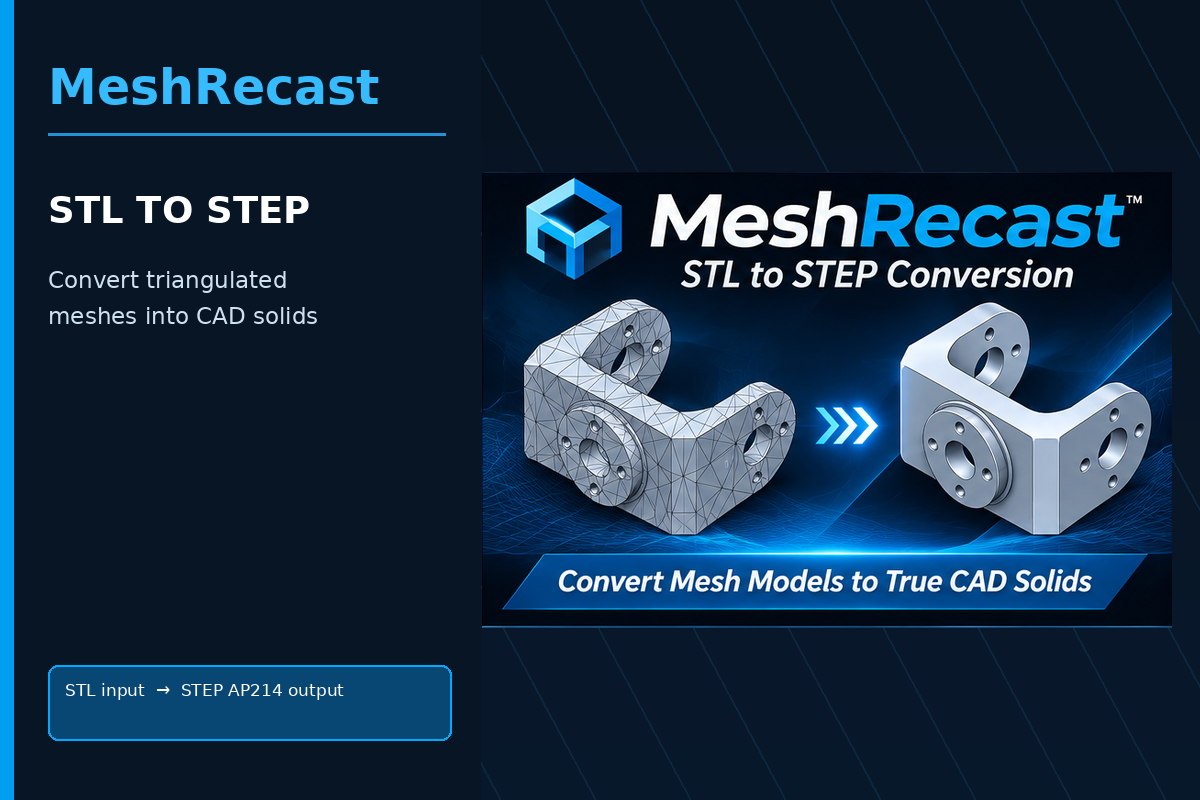
MeshRecast is an STL to STEP converter for Windows 10/11. It rebuilds triangulated STL meshes as editable STEP (AP214) solids with true holes, fillets, chamfers and flat faces, ready for SOLIDWORKS, Inventor, Fusion 360 and other CAD software.
- Converts STL meshes into true CAD solids
- Detects cylinders, holes, fillets, chamfers, cones, spheres and planes
- Exact, Tolerant, Custom and Faceted Solid conversion modes
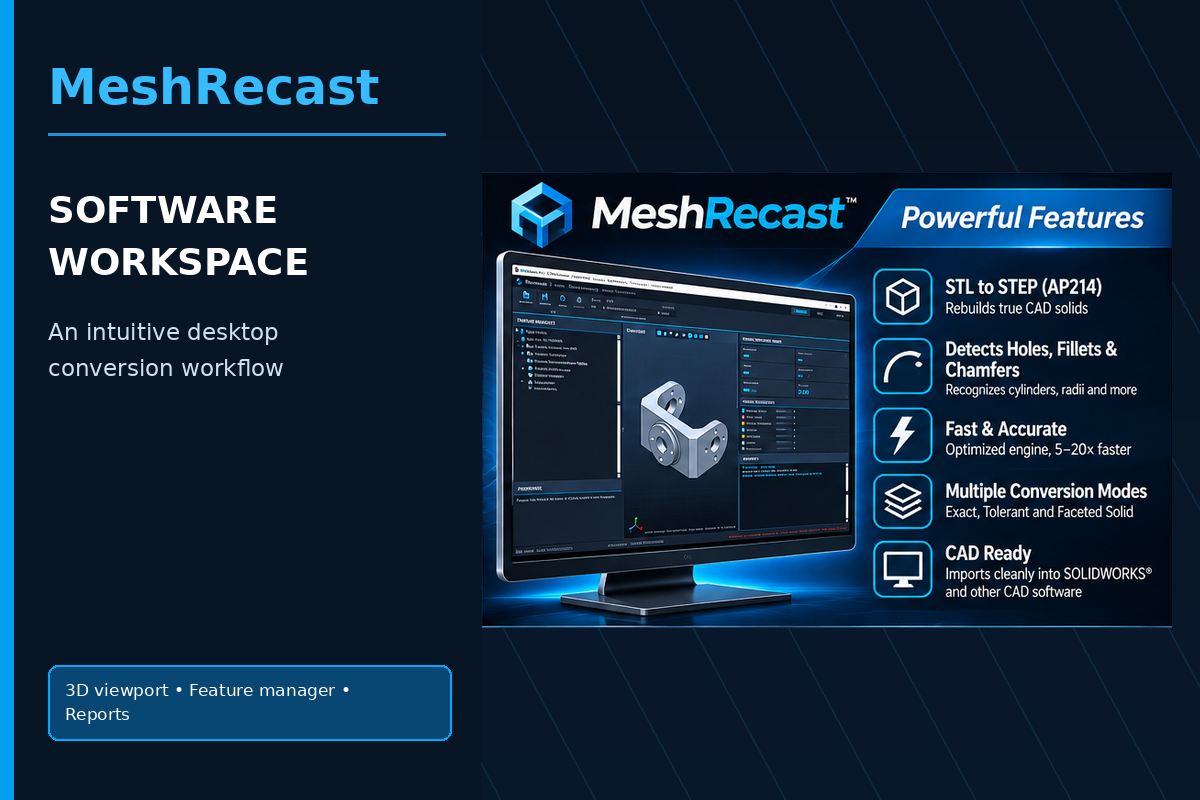
- CAD-style 3D viewport, feature tree and reconstruction report
- Instant download, one-time purchase, no internet required
Description
MeshRecast: STL to STEP Converter for Windows
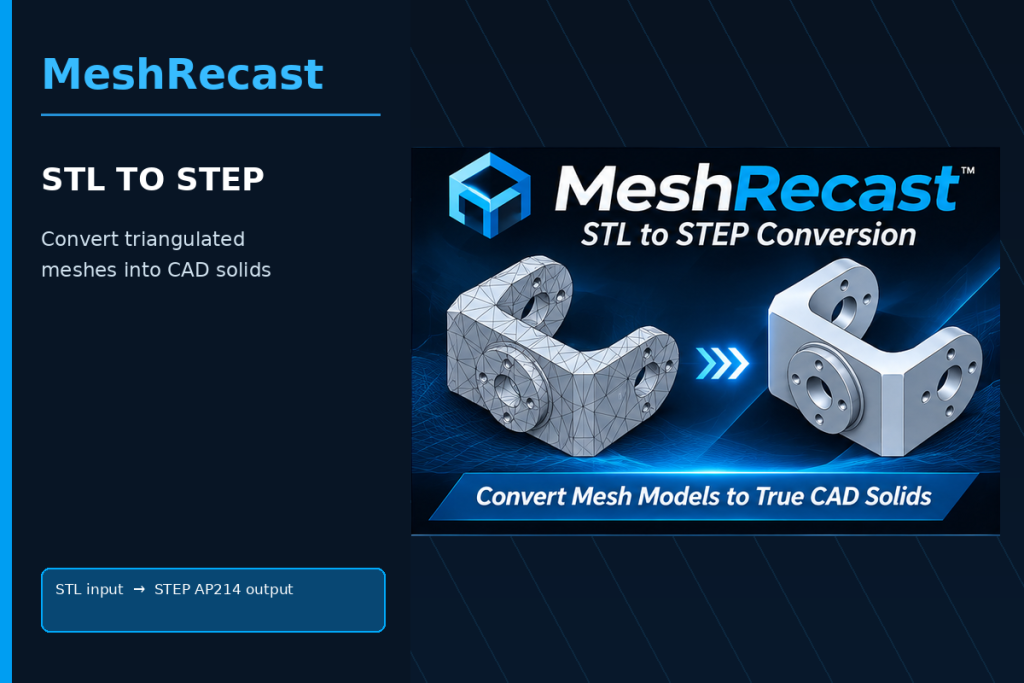
MeshRecast is downloadable STL to STEP converter software for Windows 10/11. It takes a triangulated STL mesh and rebuilds it as a solid STEP (AP214) model made of real planes, cylinders, cones, fillets and spheres. As a result, the part opens as an editable solid body in SOLIDWORKS, Autodesk Inventor, Fusion 360 and other CAD software. In short, instead of thousands of tiny triangles, you get true holes with exact diameters and smooth radii that you can measure, dimension and modify.
Why Convert STL to STEP?
STL files work well for 3D printing, but they only describe a surface made of triangles. When you import an STL into CAD, you usually get a faceted graphics body or a heavy surface body. You can’t fillet it, shell it or measure a hole accurately. MeshRecast recovers the original design intent from the mesh, so you can keep designing instead of remodeling the part from scratch.
Feature Detection and Surface Reconstruction
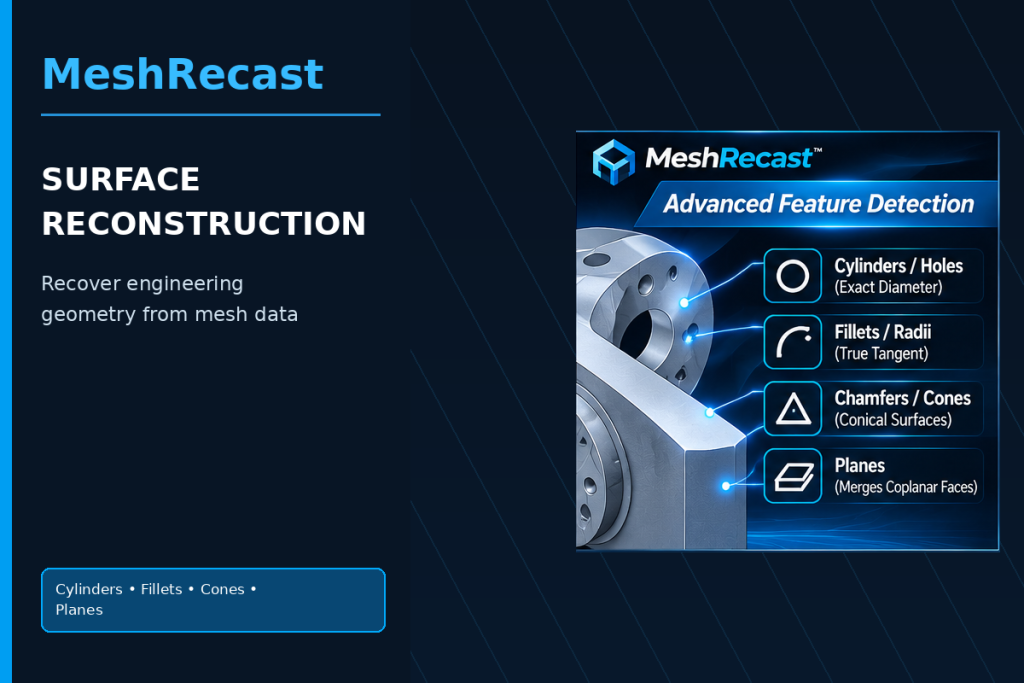
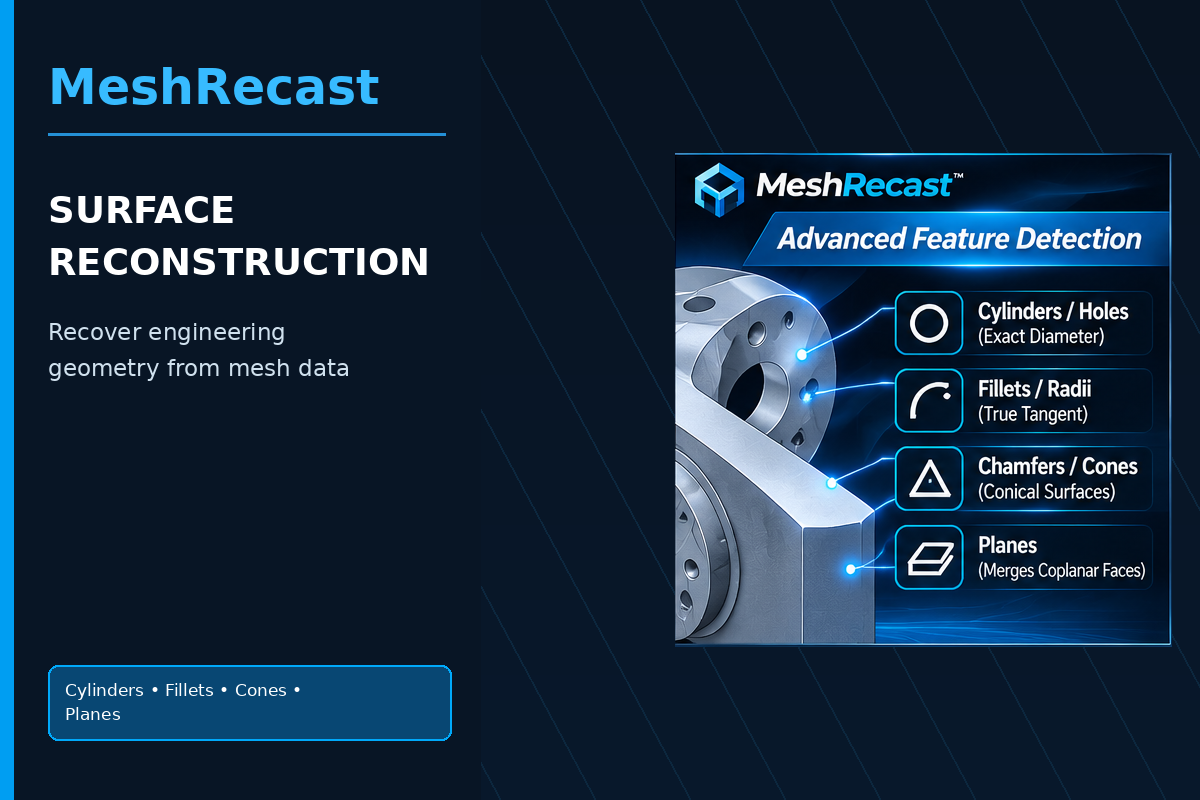
- Cylinders and holes fitted to exact diameters
- Fillets and radii rebuilt as true tangent surfaces
- Chamfers and countersinks rebuilt as conical surfaces
- Planes with coplanar triangles merged into single flat faces
- Spheres and extruded profile walls recognized automatically
Multiple Conversion Modes
- Exact – automatic analytic surface fitting for machined and prismatic parts
- Tolerant – a looser fit for lower-resolution or slightly noisy meshes
- Custom tolerance – set your own fit tolerance for full control
- Faceted solid – a watertight solid for free-form or sculpted meshes, so they still import as a solid body instead of loose surfaces
CAD-Style Desktop Workspace
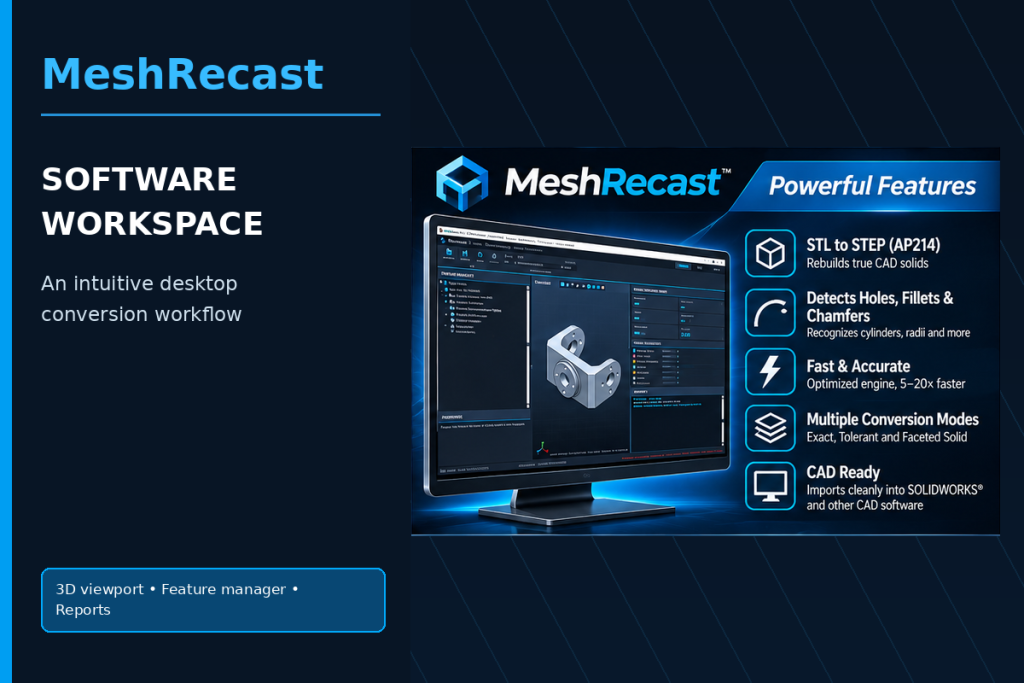
MeshRecast looks and works like the CAD tools you already use. First, open your STL. Next, pick a conversion mode and convert. Then rotate the part in the 3D viewport, click faces to inspect detected features in the feature tree, and export your STEP file. The dark, ribbon-style interface keeps everything one click away.
Detailed Reconstruction Report
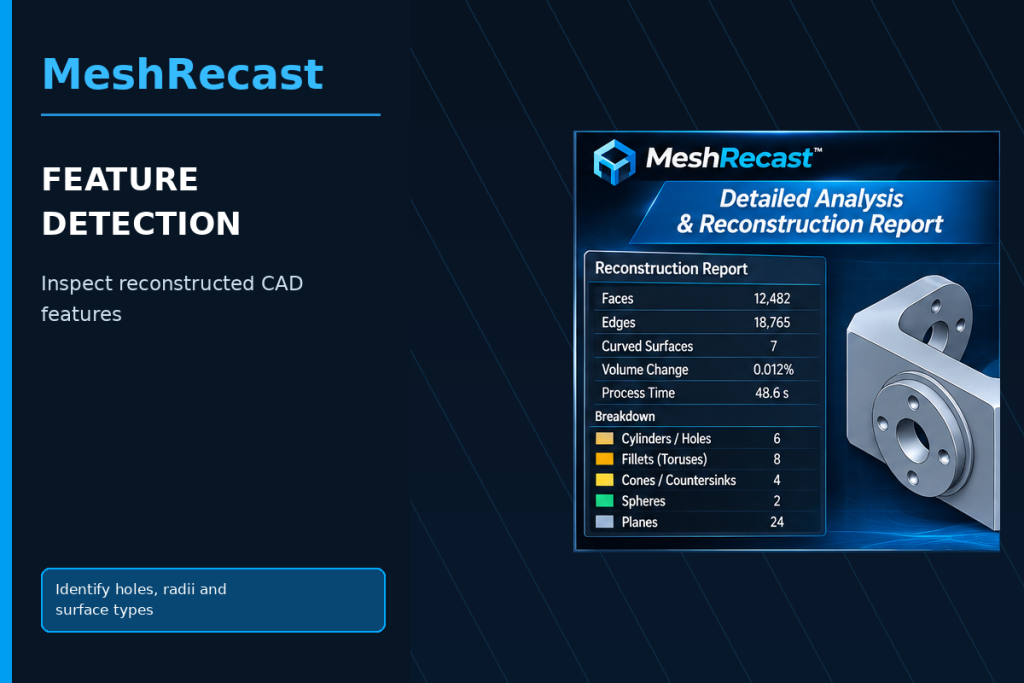
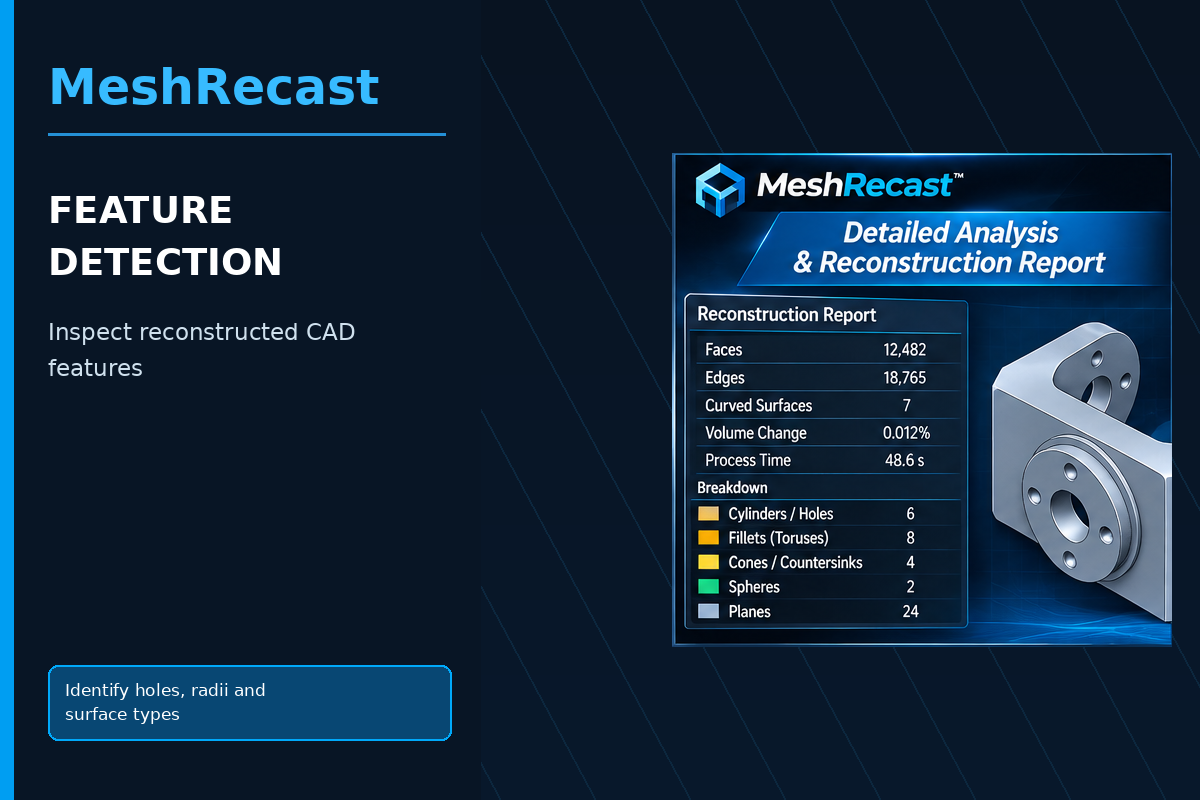
After every conversion, MeshRecast shows a reconstruction report so you know exactly what you’re getting:
- Face and edge counts
- Breakdown of cylinders/holes, fillets, cones/countersinks, spheres and planes
- Volume change compared to the original mesh
- Total process time
Imports Cleanly into SOLIDWORKS and Other CAD Software
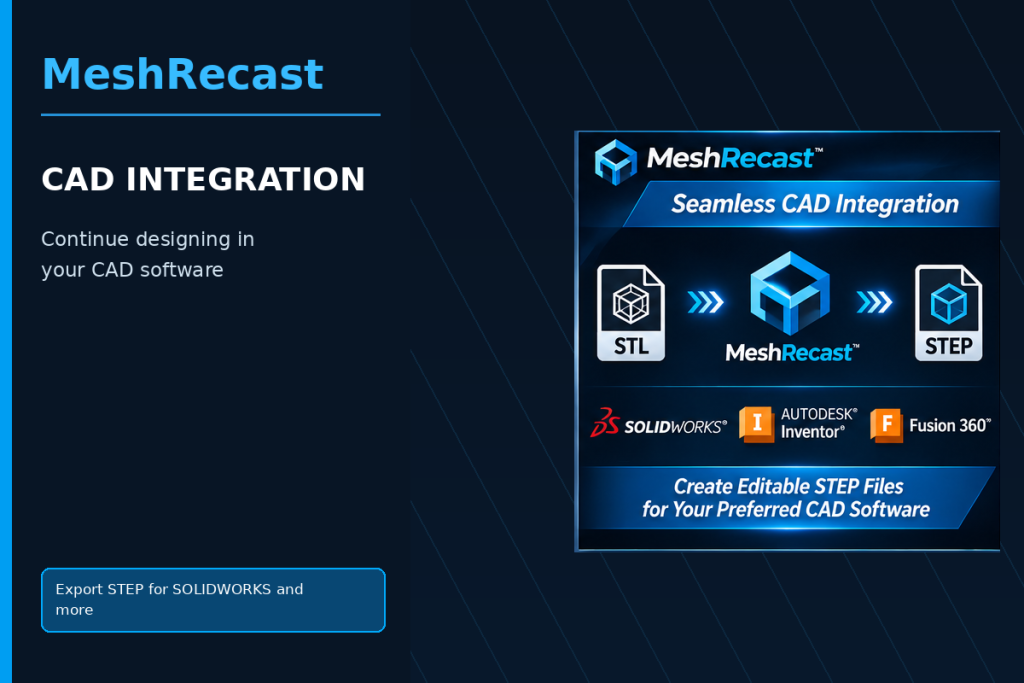
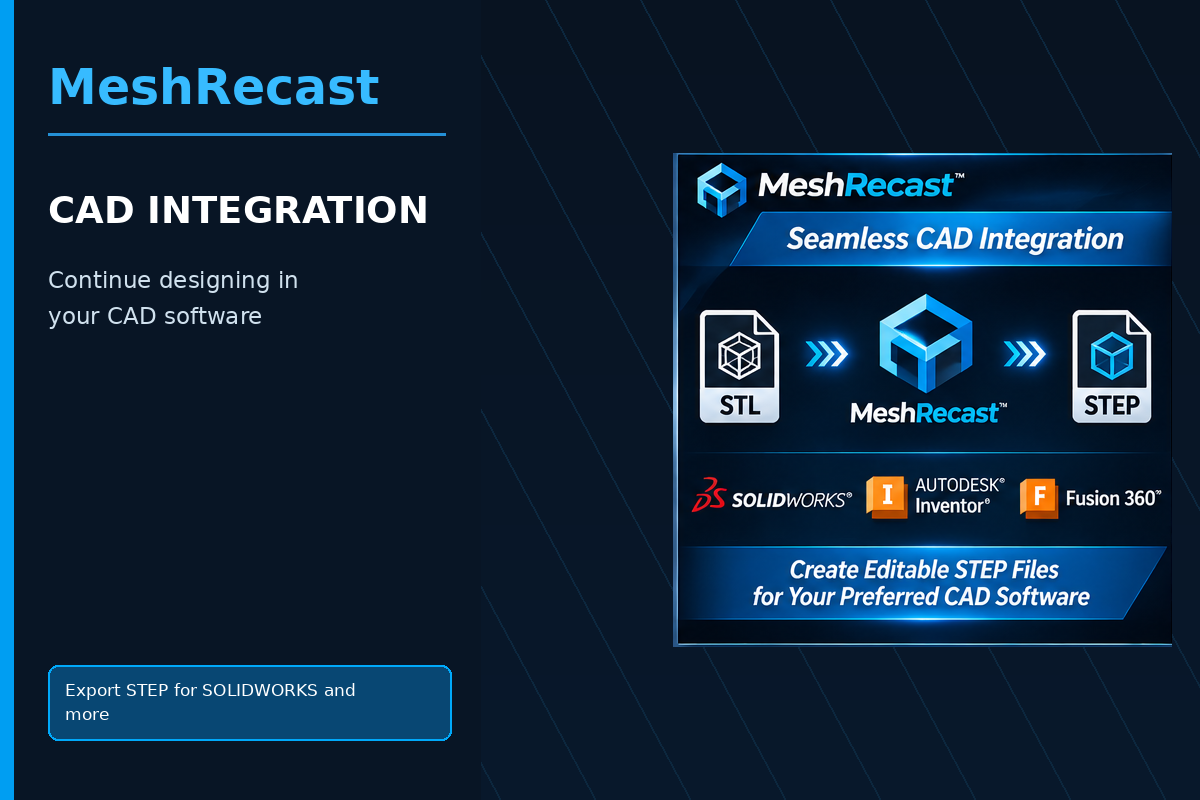
MeshRecast exports industry-standard STEP AP214 files. Therefore, you can open the result in SOLIDWORKS, Autodesk Inventor, Fusion 360, Onshape, Solid Edge, FreeCAD and nearly any other CAD or CAM package. Once imported, add features, change hole sizes, or create drawings just like a native part.
Who Needs an STL to STEP Converter?
- Machine shops and CNC programmers who receive STL files from customers
- Product designers and engineers who need to modify downloaded or legacy mesh models
- 3D printing services that want to quote, edit or repair customer parts
- Reverse engineering and 3D scanning workflows
- Makers and hobbyists who want to edit an STL in real CAD software
Best Results and Limitations
- Works best with watertight STL files exported from CAD, especially mechanical and prismatic parts
- Free-form and organic shapes export as a watertight faceted solid rather than smooth NURBS surfaces
- Very coarse meshes, such as holes with fewer than 6 sides or fillets with only 1–2 segments, may stay flat
System Requirements
- Windows 10 or Windows 11 (64-bit)
- Input: STL mesh files
- Output: STEP AP214 solid models
- Runs locally on your PC, so no internet connection is required and your files never leave your computer
What You Get
- MeshRecast Windows installer (Setup.exe)
- MeshRecast User Guide (PDF)
- License agreement and third-party notices
- Instant download after purchase
- One-time purchase with no monthly or subscription fees
Related products
-
- Sale!
- Plugins, Software, Wordpress
Blueprint FAI Generator – First Article Inspection Form Software for Windows & WordPress
- Original price was: $199.95.$99.95Current price is: $99.95.
- Select options This product has multiple variants. The options may be chosen on the product page
-
- Sale!
- Software
5S Station – 5S Audit Software for Manufacturing (Windows Download)
- Original price was: $199.95.$99.95Current price is: $99.95.
- Add to cart
Reviews
There are no reviews yet.