Phantom Cam – CAM Software for Ghost Gunner 3 & Hobby CNC Mills
$39.95
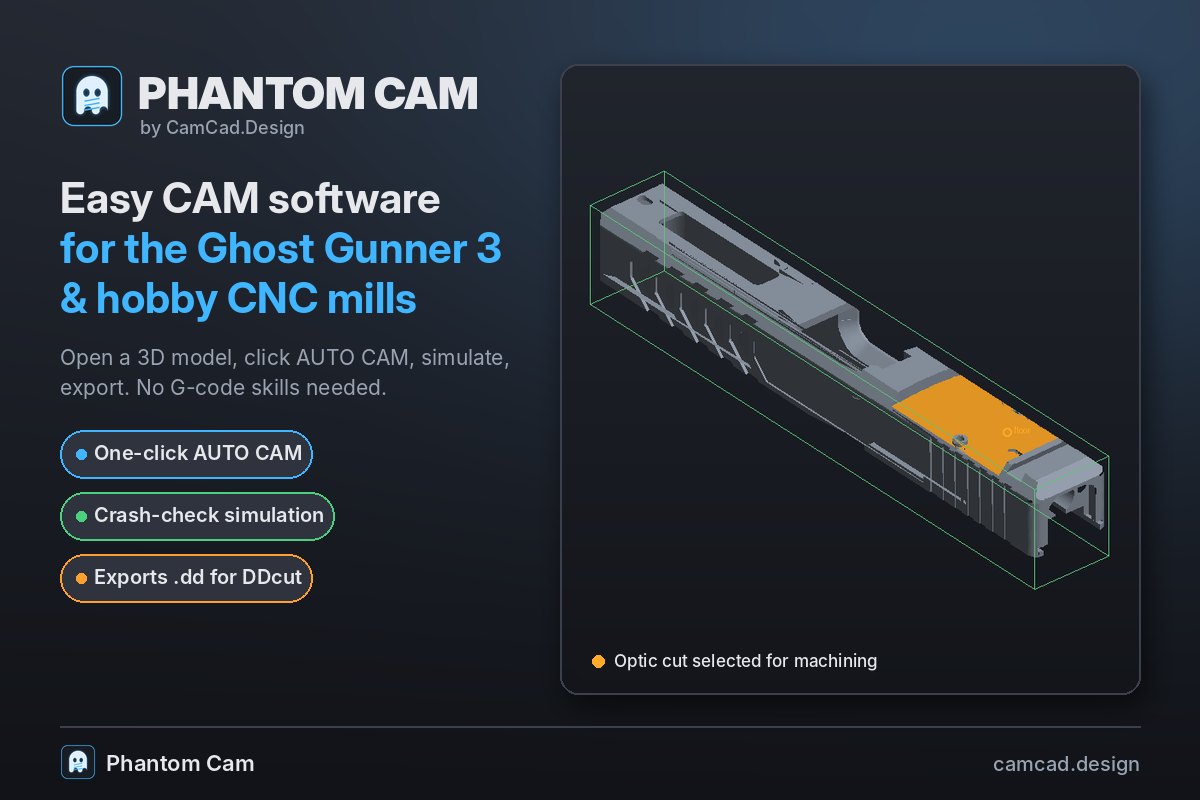
Easy CAM software for the Ghost Gunner 3 and hobby GRBL CNC mills. Open a 3D model, click AUTO CAM, simulate, export. No G-code skills needed.
- One-click AUTO CAM with automatic feature recognition
- Crash-check simulation before you cut metal
- Exports .dd for DDcut or GRBL G-code, plus a setup sheet
- Instant download for Windows 10/11
Description
Easy CAM software for the Ghost Gunner 3 and hobby CNC mills
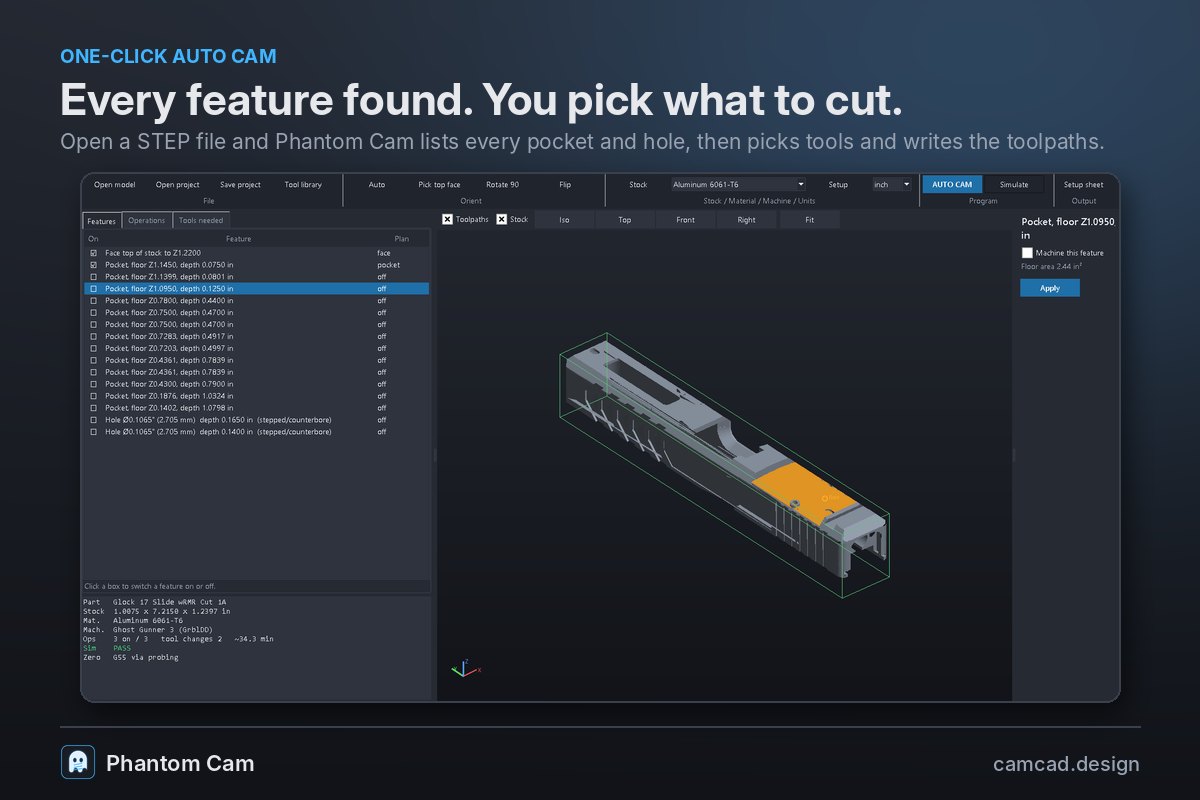
Phantom Cam turns a 3D model into a ready-to-run machining program for your Ghost Gunner 3 or GRBL hobby mill, even if you have never programmed a CNC before. Open your part, click AUTO CAM, check the simulation, and export. Phantom Cam finds the features, picks the tools, works out safe speeds and feeds, writes the toolpaths and builds a step-by-step program for you.
How it works
- Open a STEP, STL, OBJ or 3MF model. STEP files from SOLIDWORKS or Fusion give exact hole sizes.
- Orient the part automatically so most features face the spindle, or pick the top face yourself.
- Set stock, material and machine. Aluminum, steel and plastics are built in.
- Click AUTO CAM. Every face, pocket, hole and profile is listed. Tick what you want to cut.
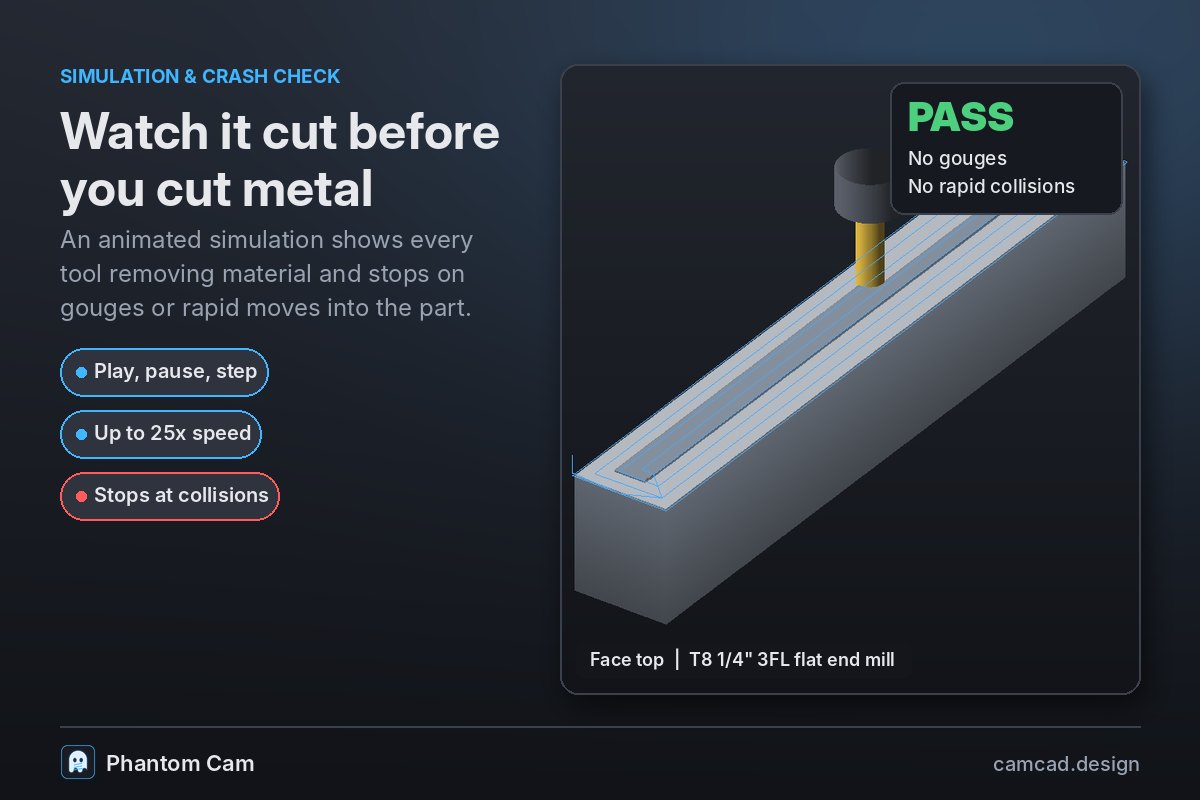
- Simulate. Watch every tool remove material and get a PASS before you cut metal.
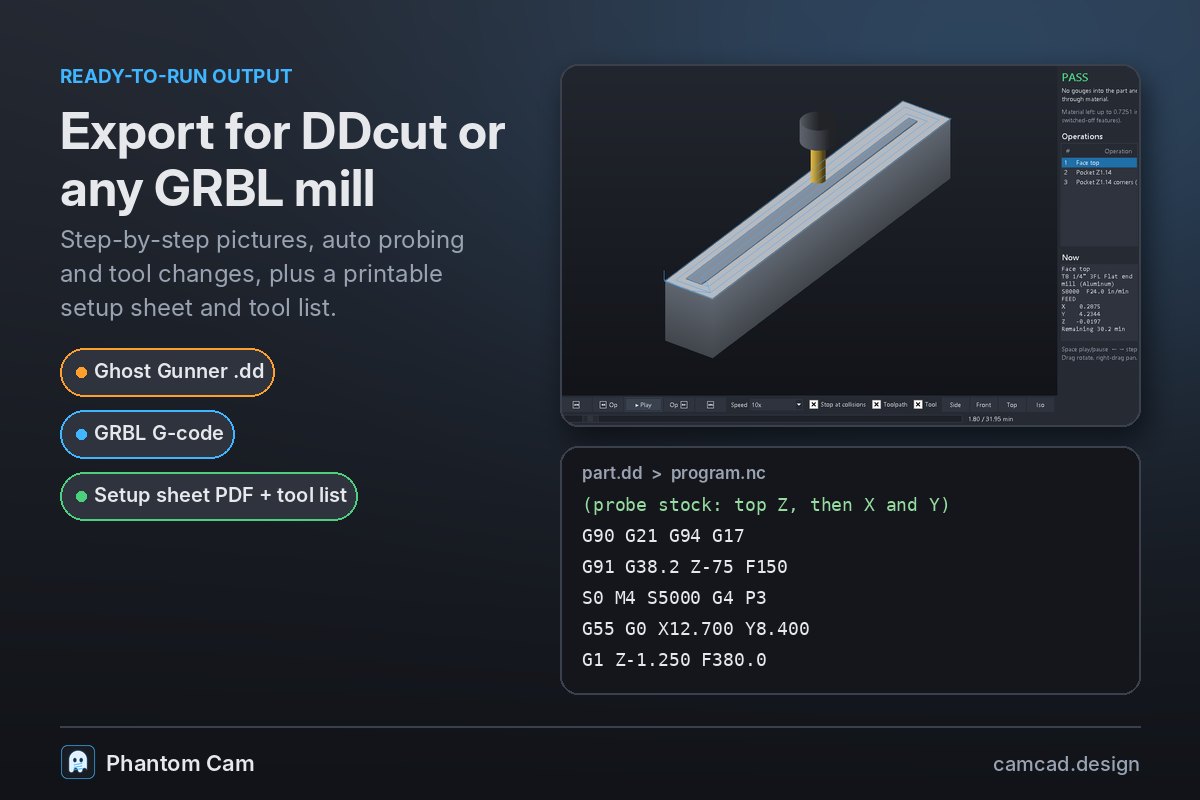
- Export a .dd file for DDcut or GRBL G-code, plus a printable setup sheet and tool list.
Features
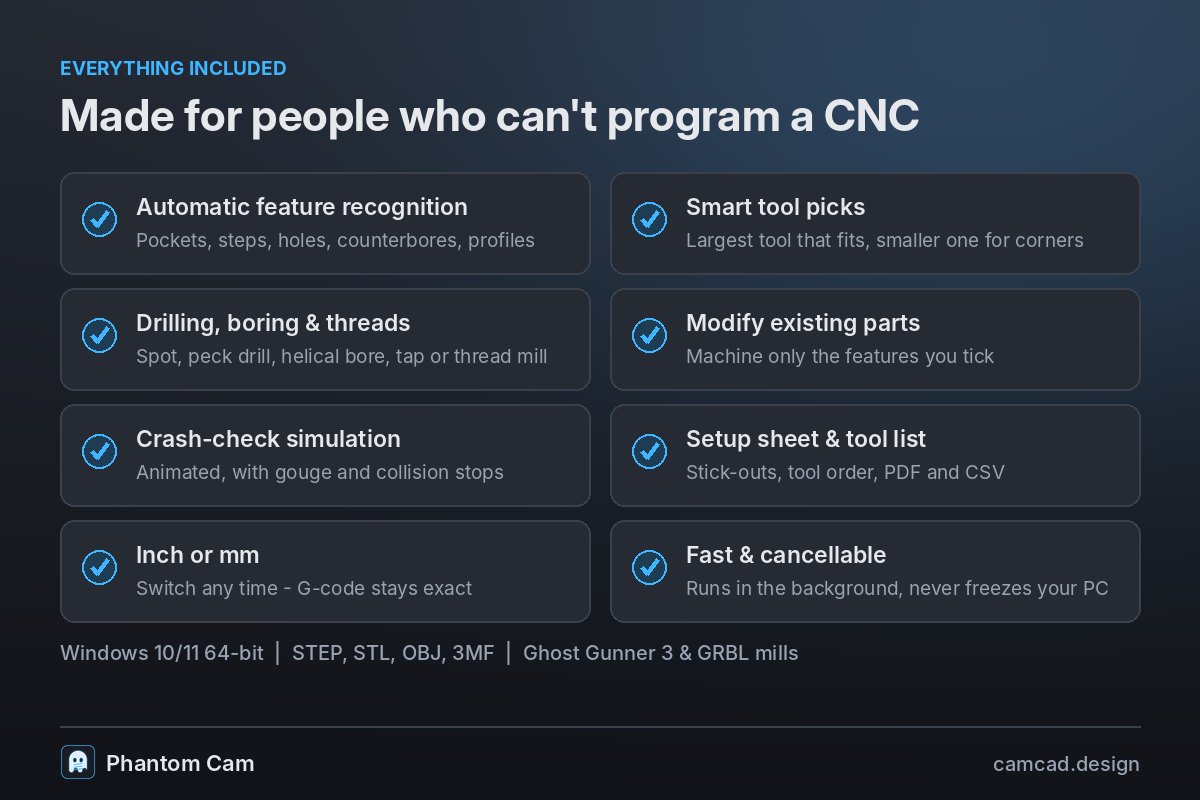
- Automatic feature recognition – faces, open and closed pockets (with islands), steps, through, blind and counterbored holes, and outside profiles.
- Smart tool picks – uses the largest tool that fits, then a smaller one to clean corners the roughing tool can’t reach.
- Drilling, boring and threads – spot drill and peck drill, helical boring, hand-tap steps or single-form thread milling, plus chamfers.
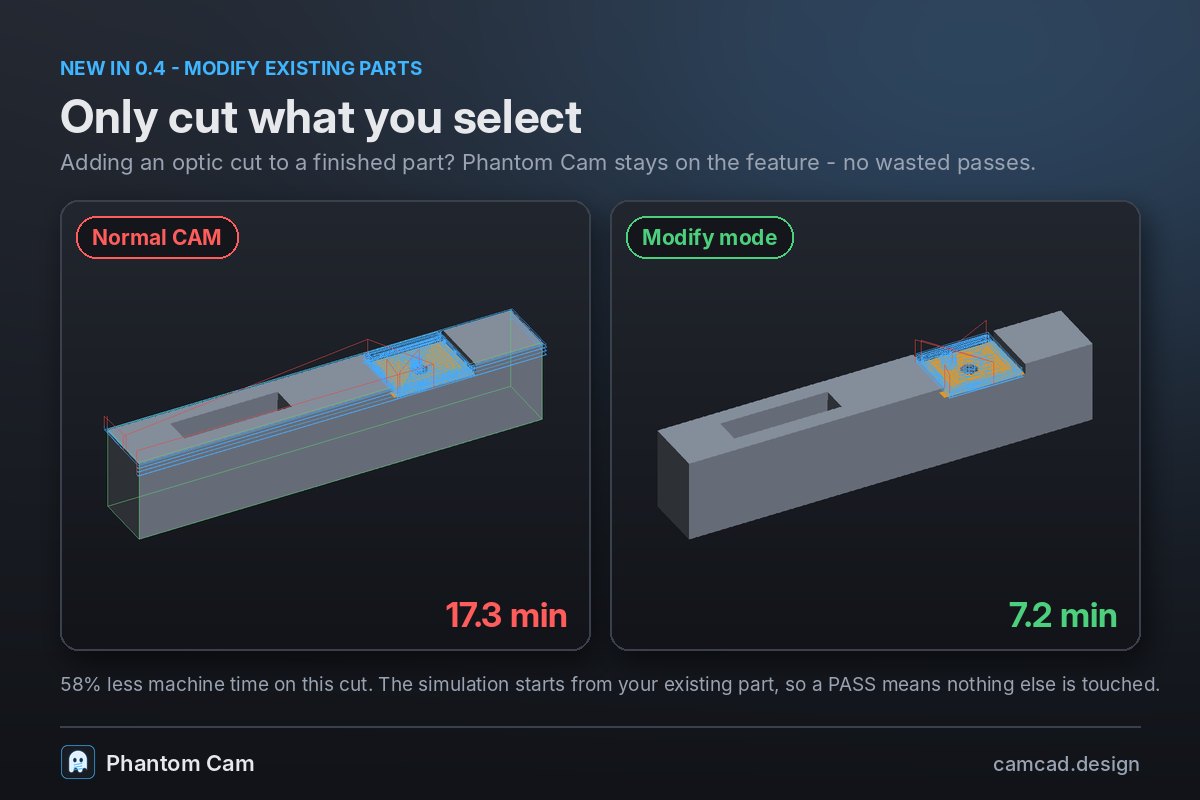
- Modify existing parts – adding an optic cut to a finished slide? Machine only the features you select. Toolpaths stay on the feature, and the simulation starts from your existing part, so a PASS means nothing else gets touched.
- Crash-check simulation – animated 3D playback with the cutter, shank and ER11 collet nut. Flags gouges into the finished part and rapid moves through material, and can stop right at the collision.
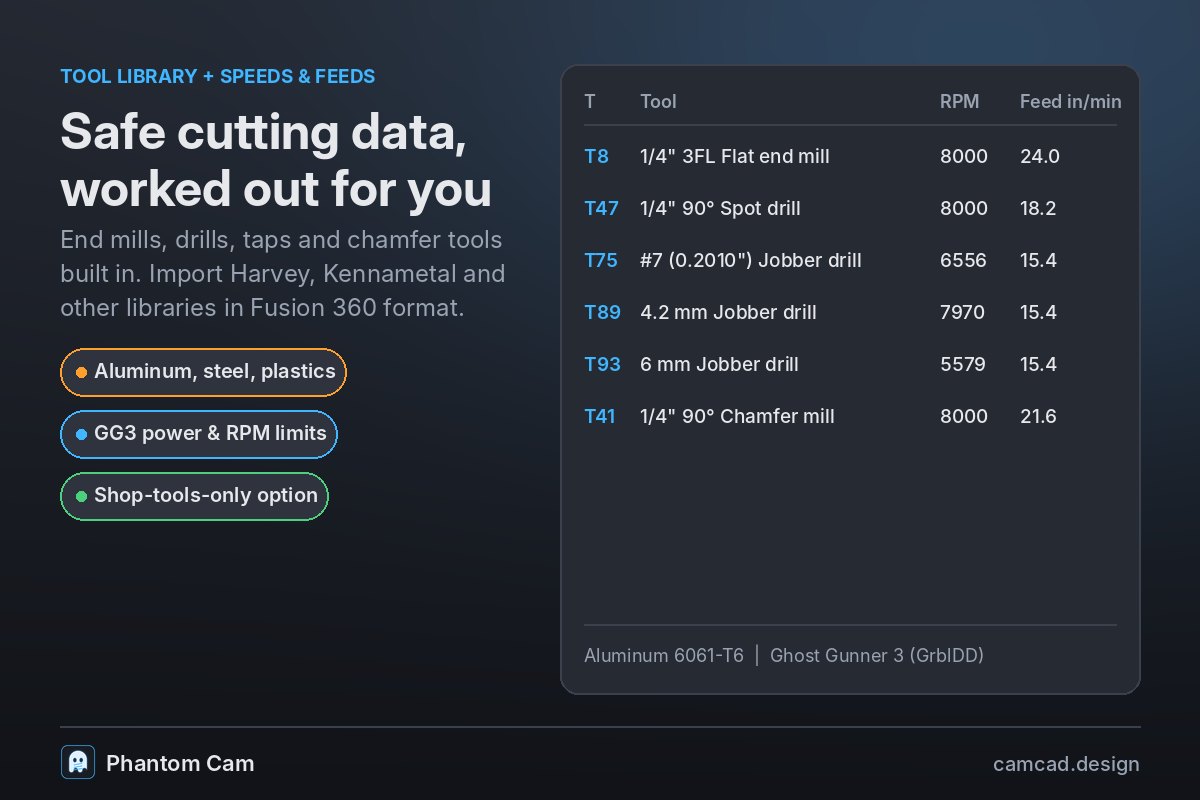
- Tool library with speeds and feeds – 116 common shop tools built in. Import Harvey Tool, Helical, Kennametal, Haas, RobbJack and other manufacturer libraries in Fusion 360 format. Mark the tools you own and Phantom Cam will only program with those.
- Safe cutting data – speeds and feeds start from the Ghost Gunner 3 manual’s published aluminum values and stay inside the GG3’s spindle range, feed limits and power. Every value can be overridden.
- Setup sheet and tool list – PDF setup sheet with part pictures, work offset, tool order, stick-outs, speeds and feeds, plus a CSV tool list that opens in Excel.
- Inch or mm – switch any time; G-code stays exact.
- Fast and cancellable – heavy work runs in the background, so your PC never freezes.
Ghost Gunner 3 ready
Phantom Cam writes a step-by-step .dd file for DDcut with tool-change pictures and stick-out instructions, automatic probing (G38.2) into G55, soft spindle starts and expanded peck drilling for GrblDD. The setup sheet and part model are packed right into the .dd file.
Works with other GRBL mills too
Choose Generic GRBL mill, enter your machine’s travel and RPM range, and export plain G-code: one file per tool plus a combined file that pauses for tool changes.
Requirements
- Windows 10 or 11, 64-bit
- Model files: STEP (AP203/AP214/AP242), STL, OBJ or 3MF
- Machine: Ghost Gunner 3 (DDcut) or any GRBL-based mill
Good to know
Phantom Cam is a 2.5D CAM system. Every feature is cut straight down the spindle axis. 3D surfacing, undercuts and 4th-axis work aren’t supported; features on other sides are machined by re-orienting the part and running a second setup.
What you get
- Instant download (.zip) containing PhantomCam.exe and the Phantom Cam User Guide (PDF)
Safety: CNC machines can cause serious injury. Always simulate, read every step, wear eye protection and stay with the machine. You are responsible for complying with all laws that apply to what you make.
Related products
-
- Sale!
- Software
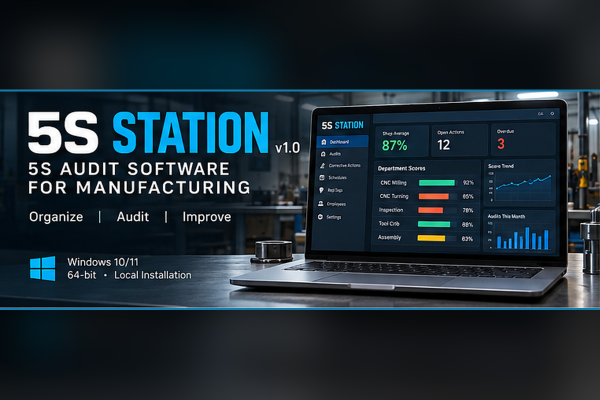
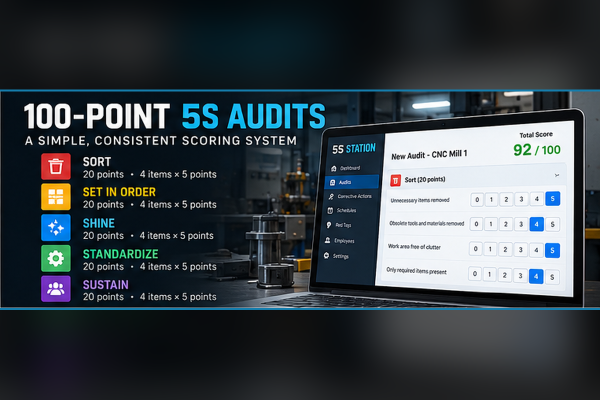
5S Station – 5S Audit Software for Manufacturing (Windows Download)
- Original price was: $199.95.$99.95Current price is: $99.95.
- Add to cart
-
- Sale!
- Plugins, Software, Wordpress
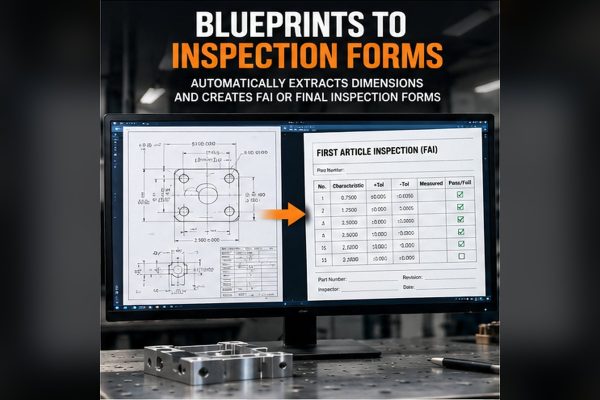
Blueprint FAI Generator – First Article Inspection Form Software for Windows & WordPress
- Original price was: $199.95.$99.95Current price is: $99.95.
- Select options This product has multiple variants. The options may be chosen on the product page
-
- Sale!
- Software
BoundSentry – FFL A&D Bound Book Software for Windows
- Original price was: $199.95.$99.95Current price is: $99.95.
- Add to cart