CaliberGate AB1263 Verification – AB 1263 Compliance Plugin for WooCommerce
Original price was: $199.95.$129.95Current price is: $129.95.
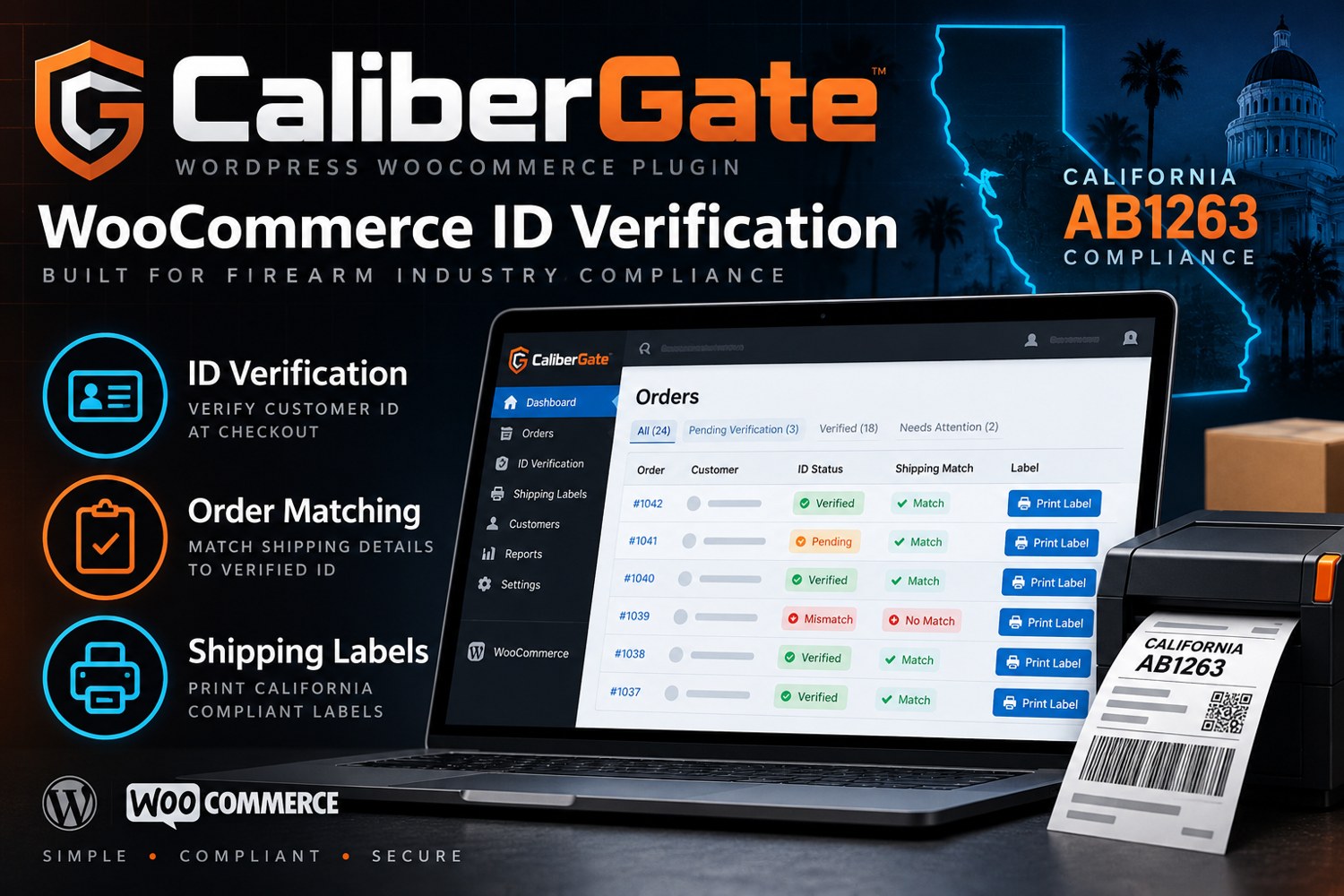
AB 1263 compliance for WooCommerce, in one plugin. CaliberGate verifies customer IDs, matches them to the order, holds orders for staff approval and prints the California AB 1263 package label — so your firearm accessory store can keep shipping to California.
- Customer ID upload: front, back and photo holding ID
- Automatic age, expiration, name and address checks from the ID barcode
- Staff Verification Queue to approve, reject and release orders
- AB 1263 labels with exact statutory wording — 4×6/4×3/4×2 thermal, Avery sheets, bulk printing
- Rules by state, category, product and minimum age, with FFL exemption handling
- Encrypted ID storage, append-only audit trail and CSV export
- One-time purchase · Instant download · No per-check fees
Description
AB 1263 Compliance for WooCommerce Stores That Ship to California
CaliberGate AB1263 Verification is an AB 1263 compliance plugin for WooCommerce, built for firearm accessory, parts and barrel sellers that ship to California. Starting January 1, 2026, California AB 1263 (Cal. Civ. Code § 3273.51) requires sellers to confirm the purchaser is of age, deliver a notice the customer acknowledges, and label each package so a signature and proof of ID from an adult are required at delivery. CaliberGate handles that whole workflow inside your existing WooCommerce store — no third-party verification service, no per-check fees and no monthly subscription.
When a qualifying order ships to California (or any state you choose), CaliberGate holds the order, collects the customer’s ID, checks it against the order, puts it in front of your staff for approval and then prints the AB 1263 package label your shipping team needs. Every step is written to an audit trail you can export.
How CaliberGate Works
- Customer checks out. A qualifying product shipping to a state you select triggers verification automatically.
- Order is held. After payment the order moves to a custom Verification Required status, and the customer receives an email with a secure verification link (also shown on the thank-you page and in My Account).
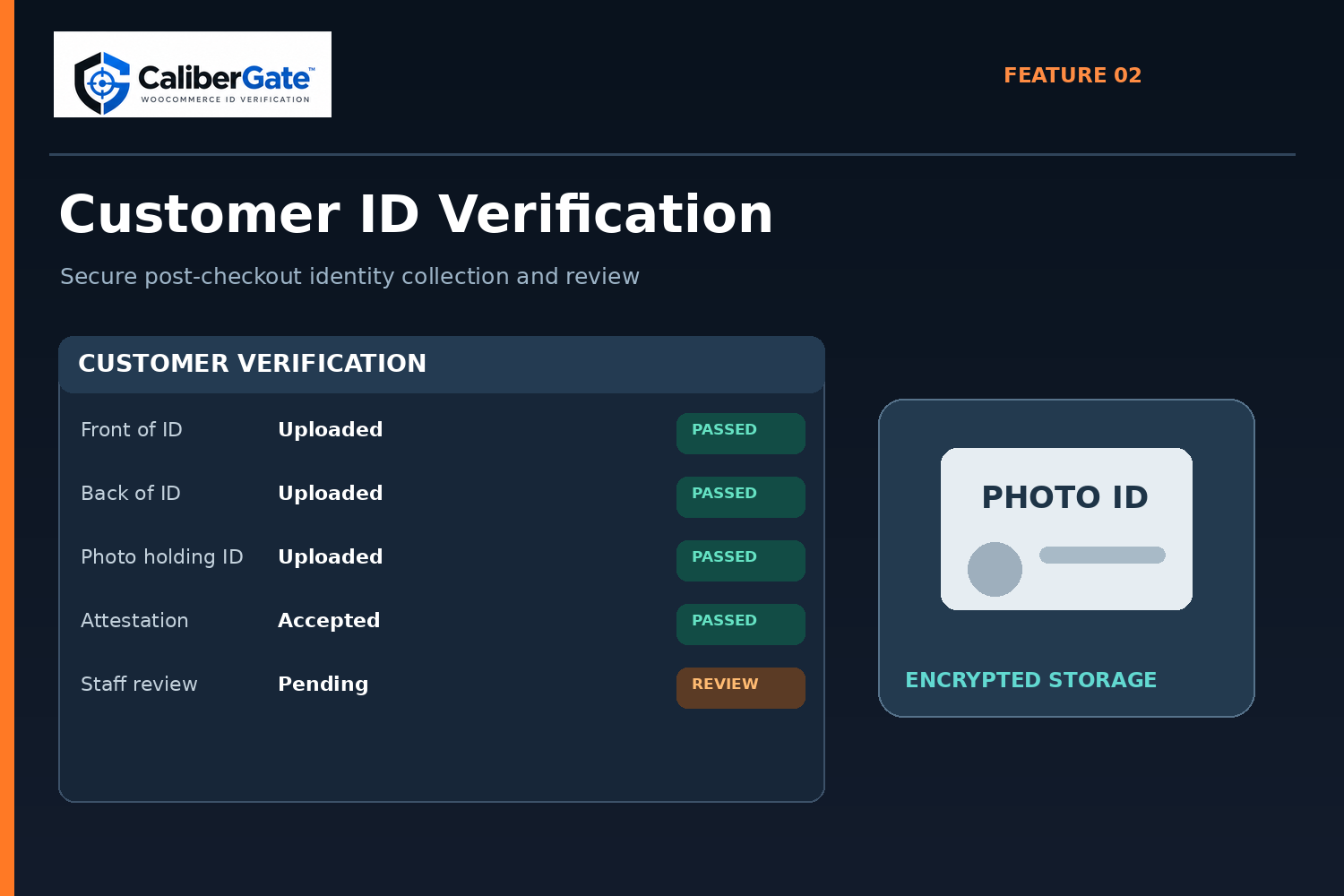
- Customer verifies their ID. They upload the front and back of their driver’s license or state ID plus a photo of themselves holding it, then accept the California notice and attestation statements.
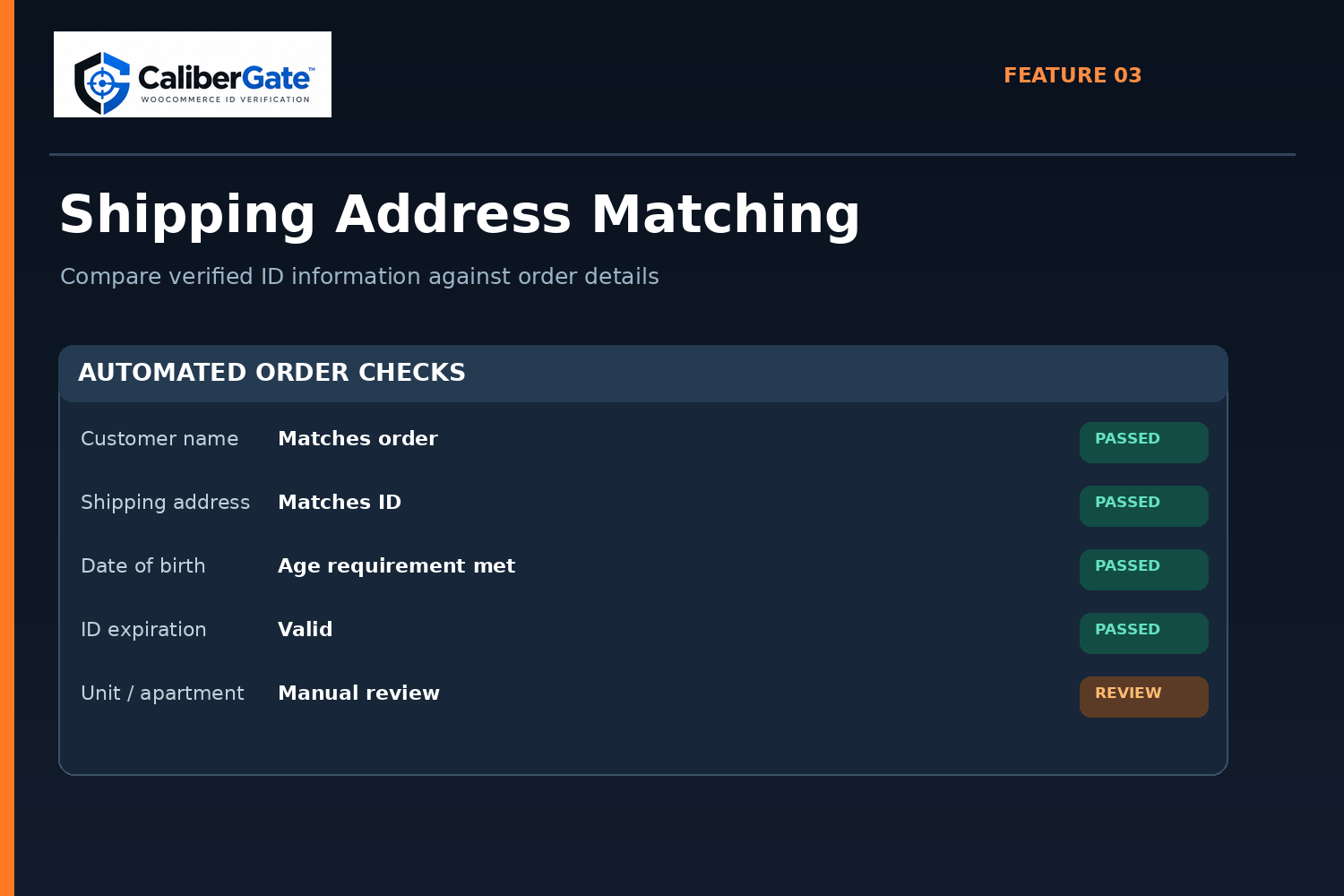
- Automatic checks run. The ID’s PDF417 barcode is read in the browser and the AAMVA data is checked for minimum age, ID expiration, name match and shipping address match.
- Staff approve. Your team compares the selfie to the ID photo in the Verification Queue and approves or rejects. Approval releases the order to Processing.
- Print, label, ship. Print the AB 1263 package label, apply it, ship with adult signature required and click Label applied to log it.
AB 1263 Shipping Labels, Printed From Your Orders
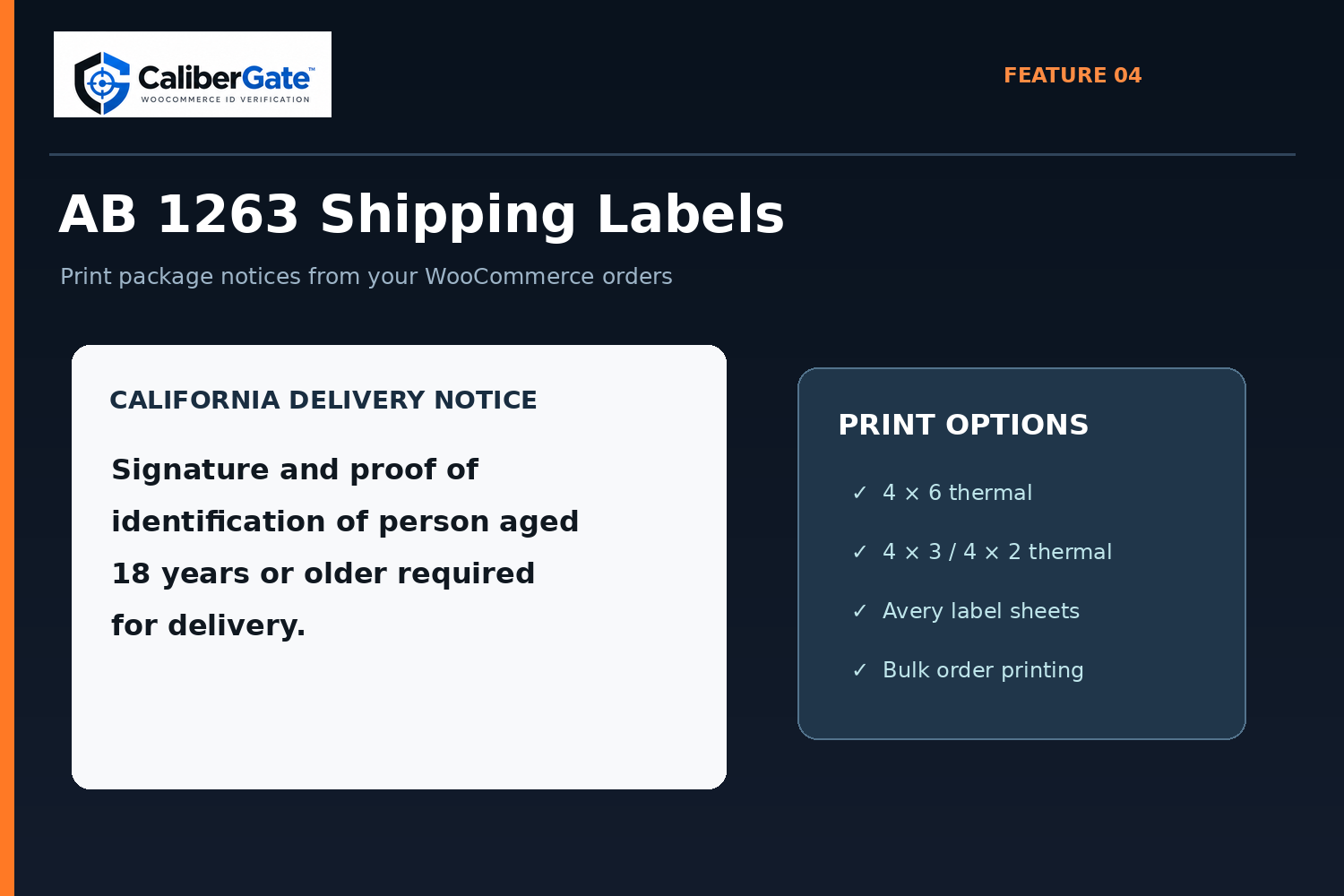
AB 1263 requires each package to be conspicuously labeled: “Signature and proof of identification of person aged 18 years or older required for delivery.” CaliberGate prints that notice with the exact statutory wording, so nobody on your team has to retype it.
- Print from the order screen, the CaliberGate Shipping Labels page, or the bulk action on the WooCommerce Orders list
- Label stock: 4×6, 4×3 and 4×2 thermal; Avery 5164/8164 and 5163/8163 sheets; or a full letter page — start at any position on a partly used sheet
- Multiple labels per order for multi-box shipments, plus blank label batches for the packing station
- “CA Label” column on the Orders list and a “Required by law” reminder on every order that needs one
- Staff are warned, and it is logged, if an order is marked Completed before its label was confirmed
- FFL shipments are handled as exempt
Customer ID Verification and Order Matching
- Front of ID, back of ID and photo-holding-ID uploads from any phone or computer
- In-browser PDF417 barcode reading (bundled ZXing library for wide device support, including iPhone)
- Automatic checks: minimum age, ID expiration, name match and address match with abbreviation and unit/apartment handling
- Optional automatic rejection for under-age or expired IDs and name or address mismatches
- Manual DOB and expiration entry when a barcode can’t be read
- Reject with a reason and let the customer resubmit, or cancel the order
- Returning customers can reuse a recent approval when name, address and ID expiration still match
- Staff compare photos by eye — no facial biometrics are sent to any third party
Verification Queue for Your Staff
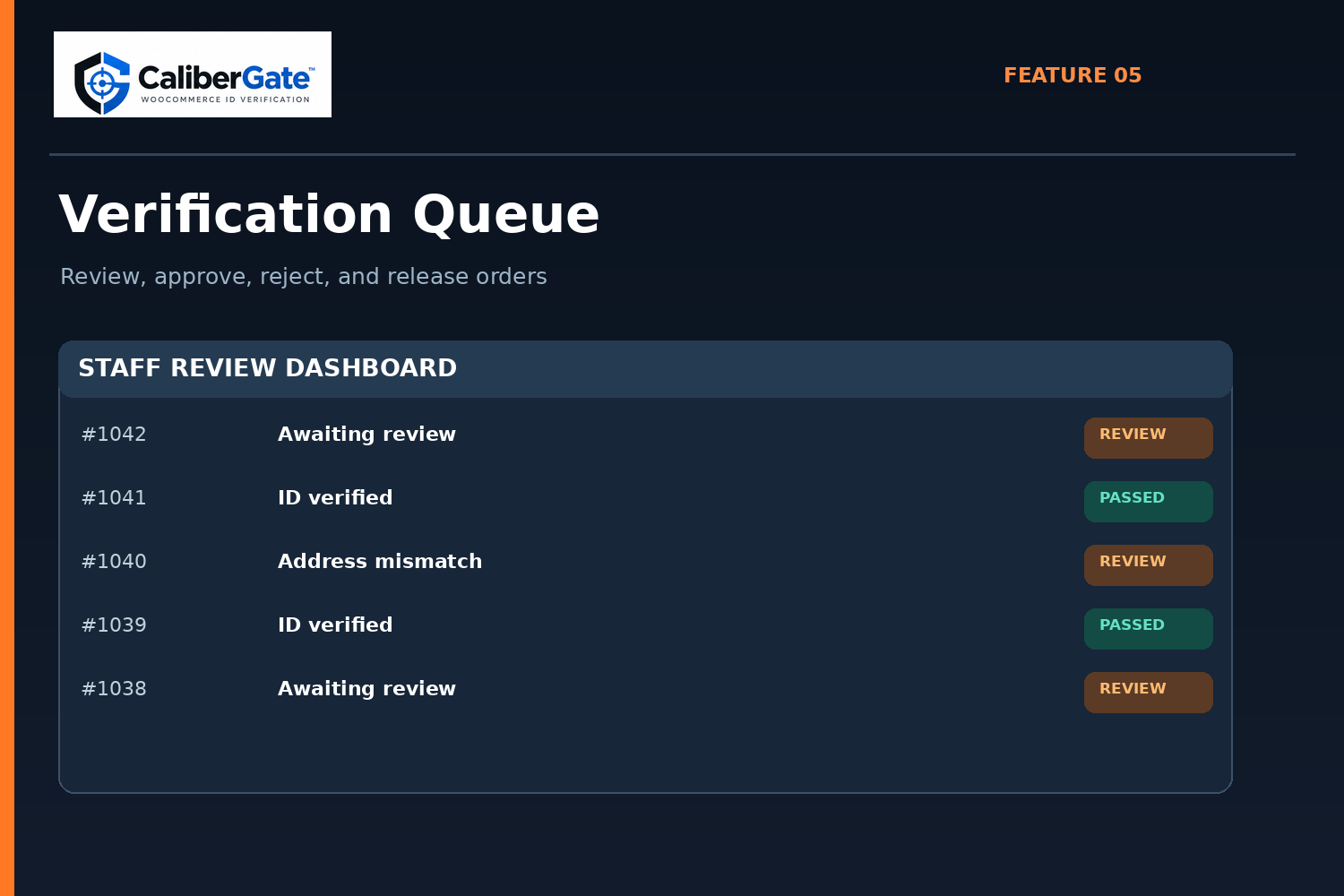
The CaliberGate Verification Queue shows every order waiting on review, side by side with the ID data, uploaded images, attestation record and full history. Approve, reject, or release orders in a few clicks, and export the queue to CSV with filters.
Smart Rules: Verify Only the Orders That Need It
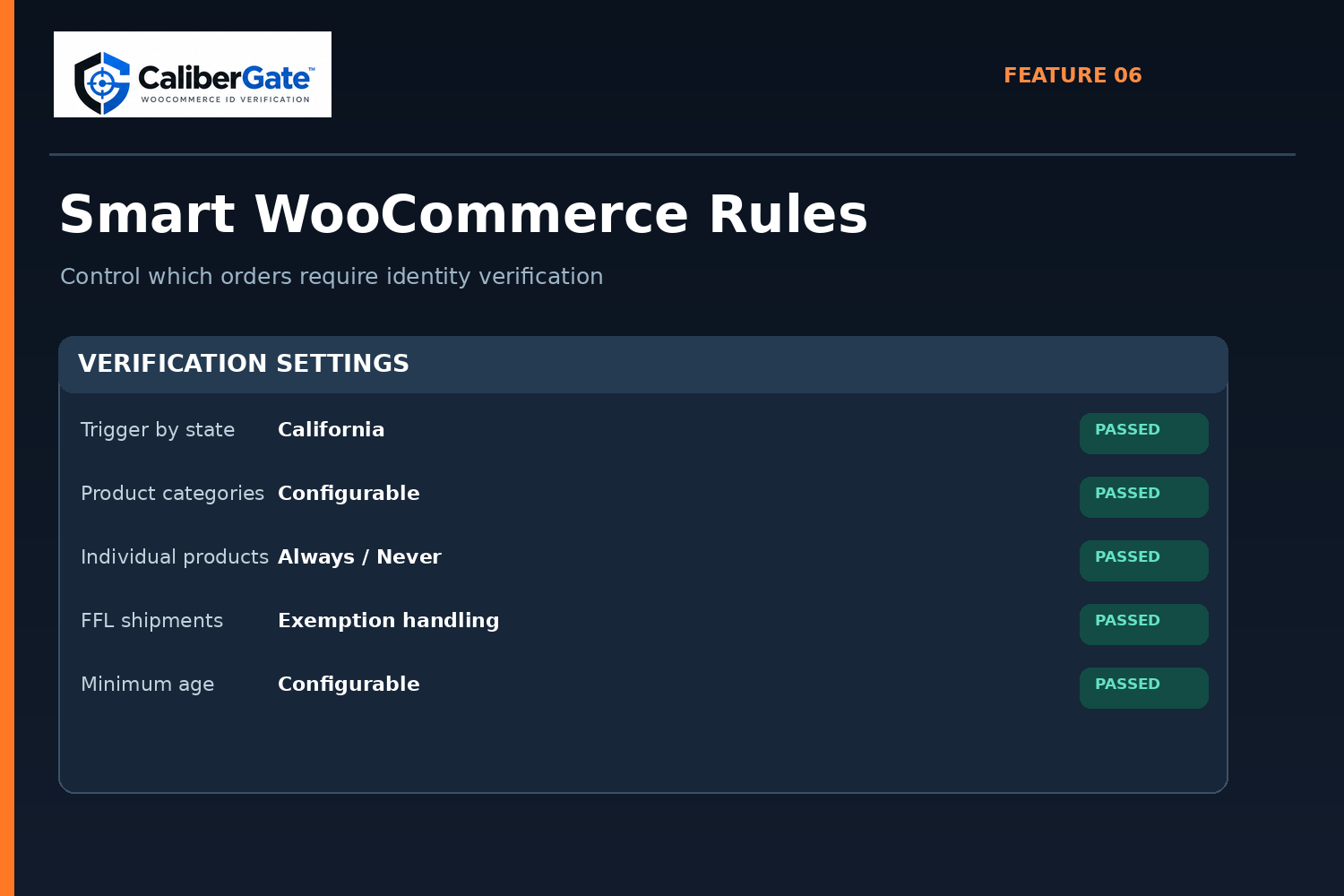
- Trigger by shipping and/or billing state
- Trigger by product category, or set individual products to Always or Never require verification
- Configurable minimum age
- FFL bypass: dealer name and license fields at checkout (classic and block checkout), or detection of third-party FFL plugin order data — auto-release or hold for staff confirmation
- Reminder emails and verification link expiry
- Downloads are blocked on held orders until approved
Audit Trail, Privacy and Data Security
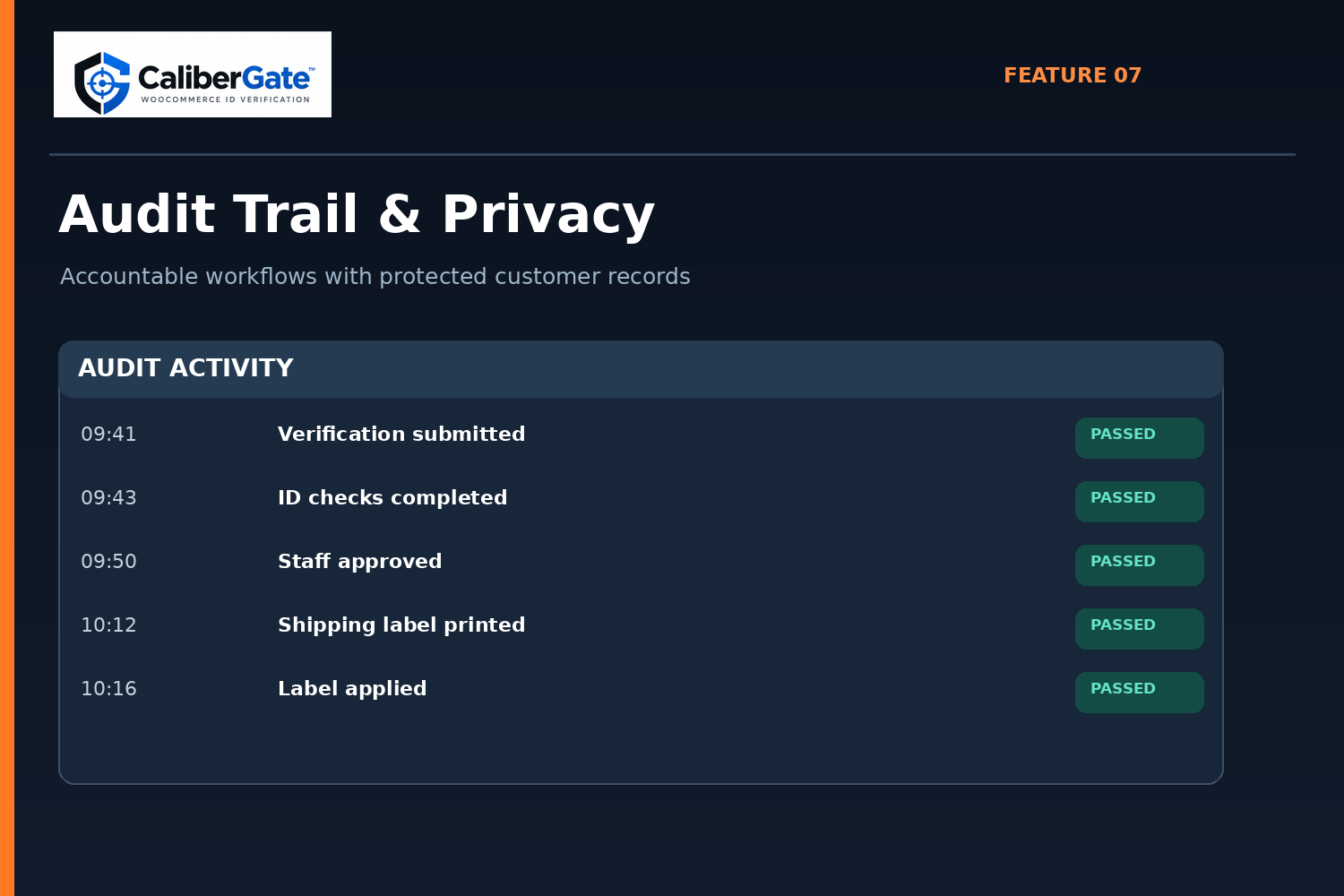
- Append-only audit log of every customer, staff and system action, with CSV export
- ID images re-encoded to strip EXIF/GPS data, encrypted at rest with libsodium, stored in a deny-all directory and shown only to authorized staff
- Date of birth, address and ID number encrypted in the database
- Data retention controls: delete images after N days, records and audit logs after N years
- Works with the WordPress personal data exporter and eraser
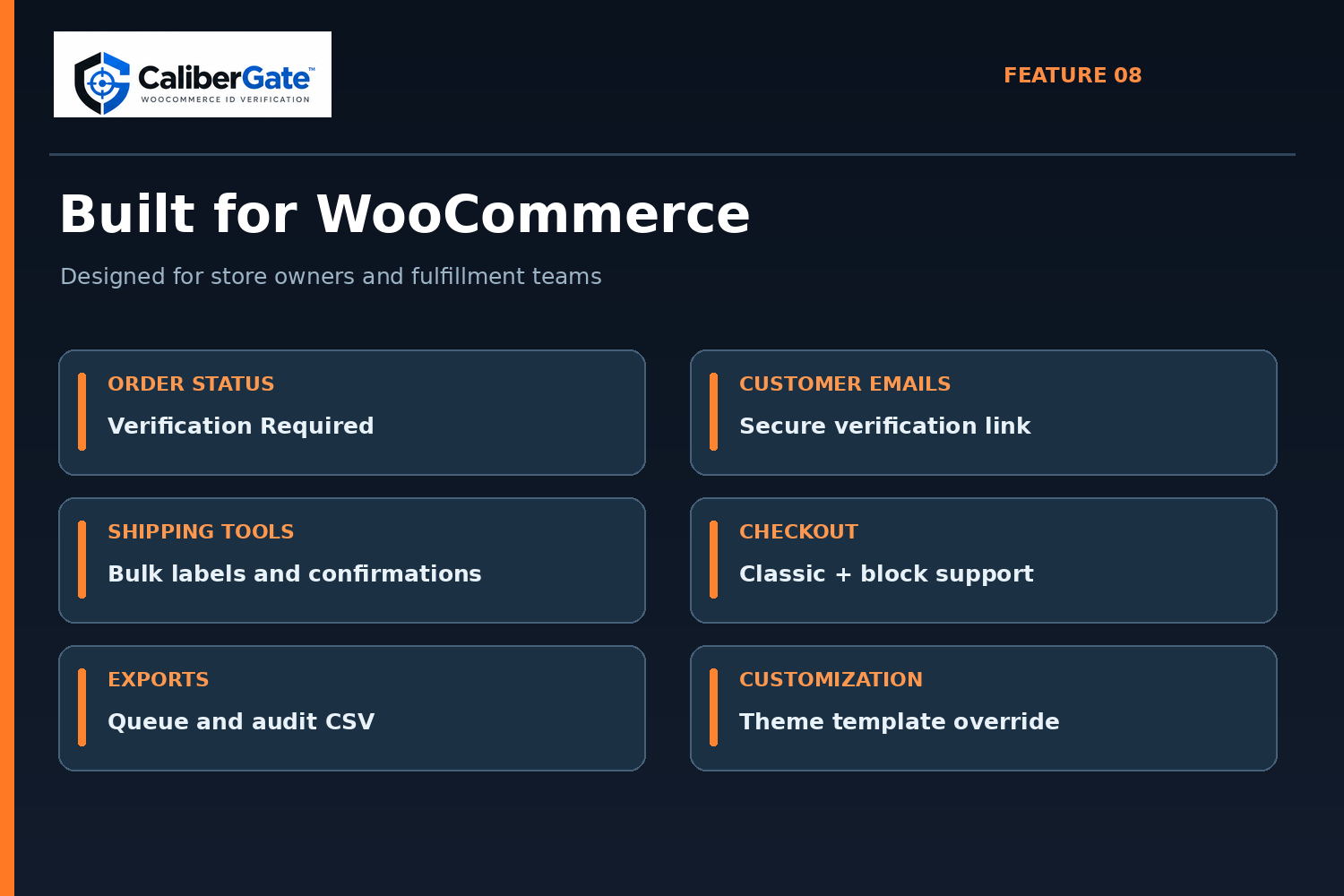
Built for WooCommerce
- Custom Verification Required order status that counts as paid
- HPOS (High-Performance Order Storage) and block checkout compatible
- Theme template override for the verification page
- Developer hooks and filters for custom rules, FFL detection, label formats and more
Requirements
- WordPress 6.2 or newer
- WooCommerce 7.8 or newer (tested up to 10.2)
- PHP 7.4 or newer
What You Get
- Instant download of the CaliberGate plugin ZIP (version 1.0.0)
- One-time purchase — no subscription and no per-verification fees
- Install from Plugins → Add New → Upload Plugin; a “Verify Your ID” page is created automatically
Frequently Asked Questions
Who is this AB 1263 compliance plugin for?
WooCommerce stores that sell firearm accessories, parts, barrels or other products covered by California AB 1263 and ship them directly to customers.
Does it do automatic face matching?
No. Staff compare the photo of the customer holding their ID with the ID photo. No biometric data leaves your site.
What about payment gateways that send orders straight to Processing?
CaliberGate catches automatic moves to Processing or Completed and routes those orders to Verification Required. Manual staff changes are recorded as overrides in the order notes and audit log.
Can I use it for states other than California?
Yes. Verification can be triggered for any shipping or billing state you choose.
Is this legal advice?
No. CaliberGate is a tool to help you run an AB 1263 workflow. The default attestation and privacy text is a starting point — have an attorney review your process for your products and jurisdiction.
Related products
-
- Sale!
- Plugins, Wordpress
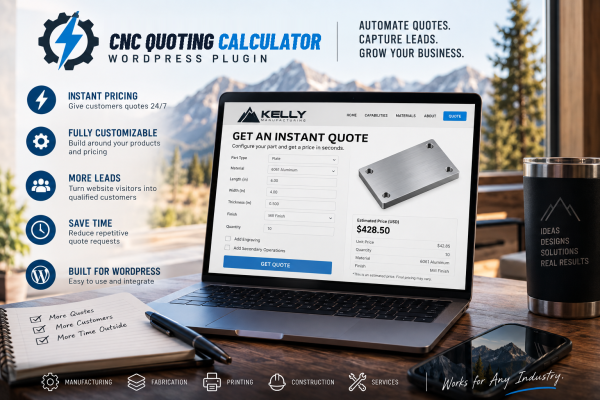
CNC Quoting Calculator
- Original price was: $199.95.$99.95Current price is: $99.95.
- Add to cart
-
- Sale!
- Plugins, Wordpress
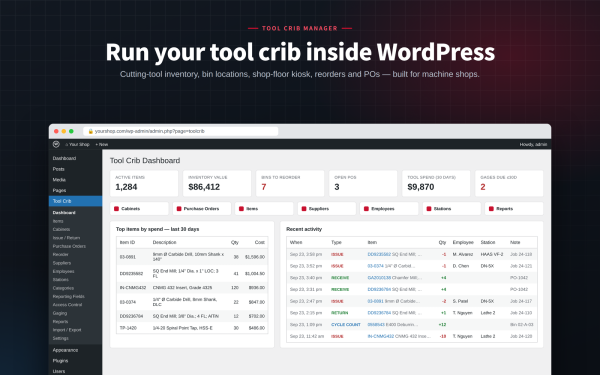
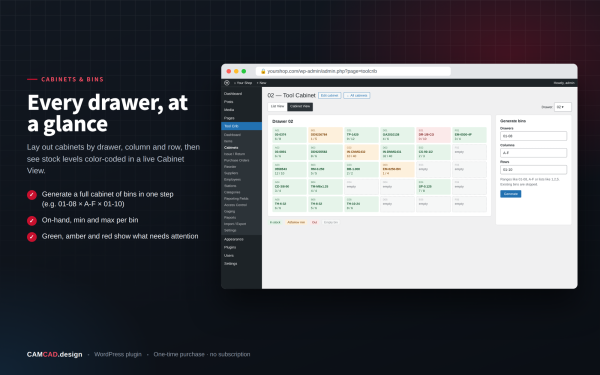
Tool Crib Manager – Tool Crib Software & Cutting Tool Inventory Plugin for WordPress
- Original price was: $199.95.$99.95Current price is: $99.95.
- Add to cart
-
- Sale!
- Plugins, Wordpress
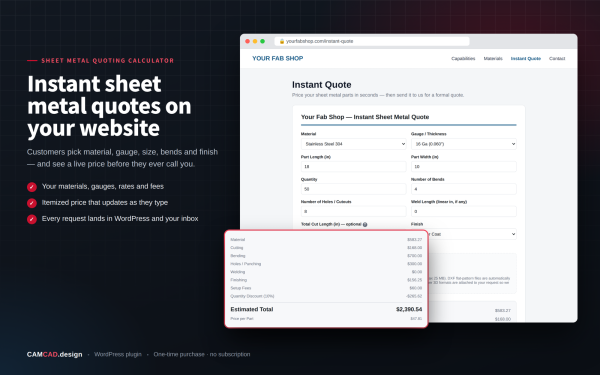
Sheet Metal Quoting Calculator – WordPress Instant Quote Plugin for Fabrication Shops
- Original price was: $199.95.$99.95Current price is: $99.95.
- Add to cart